966OK Withdrawal Guide: Get Your Winnings on Your Mobile Fast
This guide covers everything you need: how to submit a withdrawal request, what documents are required for your first KYC, common reasons payments get held up, and how to resolve them.
- Payment in 14 Minutes
- SSL Encryption
- 24/7 Support
- 18+
- Minimum Withdrawal
- ৳900
- Daily Maximum
- ৳2,00,000
- Average Time
- 14 min
- Payment method
- 5
How to Start Withdrawing from 966OK
KYC verification is mandatory before your first withdrawal. Once documents are submitted, approval takes within 12 hours — after that, funds typically arrive within 14 minutes.
-
Log In to Your Account
Go to the 966OK Login page and sign in with your registered number and password. If two-step verification is enabled, enter the OTP code.
-
Go to the "Withdraw" menu
Click the "Wallet" or "Withdraw" button at the top right of your dashboard. From the list of payment methods, select bKash, Nagad, Rocket, Upay, or Bank Transfer.
-
Enter your mobile number and amount
Use the same mobile number you registered with. Enter an amount of at least ৳৯০০ and no more than ৳২,০০,০০০ (daily limit). Sending to a different number is not allowed.
-
Confirm your request
Tap the "Confirm" button. You will receive a reference number — take a screenshot or note it down. Once the process starts, it cannot be cancelled.
-
Receive a payment confirmation SMS
Funds usually reach your mobile wallet within 14 minutes and you will get an SMS. For your first withdrawal, if KYC is not yet complete, it may take up to 2 hours more.
Withdrawal limits and processing times
| Details | Amount / Time | Notes |
|---|---|---|
| Minimum Withdrawal | ৳900 | Minimum per request |
| Daily maximum (Classic) | ৳2,00,000 | Classic VIP tier limit |
| Daily maximum (Plus) | ৳৪,০০,০০০ | Monthly turnover of ৳৩০,০০০ required |
| Daily maximum (Elite) | ৳১৬,০০,০০০ | Includes a dedicated personal manager |
| Standard processing time | 14 minutes | bKash / Nagad / Rocket / Upay |
| First withdrawal (after KYC) | Up to 2 hours | Starts only after KYC approval |
| Bank Transfer | 1–3 working days | Depends on bank processing |
How to complete KYC before your first withdrawal at 966OK
Identity verification (KYC) is required before your first withdrawal request. It is a one-time process — once done, all future withdrawals will be processed at normal speed.
Accepted identity documents
- National ID Card (NID) — clear photos of both front and back
- Passport — clear photo of the information page
- Driving Licence — photos of both sides
Tips for taking photos
Place the document on a flat surface and take the photo in good lighting. All four corners must be within the frame and the text must be clearly readable. If a selfie is required, hold the document next to your face and look directly at the camera.
Upload and review steps
-
Go to Profile Settings
Open the "KYC / Identity Verification" option from "My Account".
-
Choose your document type and upload photos
Select NID, Passport, or Licence. Upload front and back JPG or PNG files (maximum 5 MB each).
-
Submit and wait for confirmation
Results are usually sent by email or SMS within 12 hours. If rejected, you will be informed of the reason and given the chance to re-upload.
Your personal information is used solely for verification purposes. It is stored on SSL-encrypted servers and is never sold or shared with any third party.
What to do if your withdrawal is rejected
| Reason for rejection | Solution |
|---|---|
| KYC verification not completed | Go to your profile, upload your documents — approval takes within 12 hours |
| Bonus wagering requirement (18x) not met | Complete bets totalling 18 times the bonus balance amount |
| A different mobile number was entered | Withdrawals can only be sent to your registered number — contact support for help |
| Daily limit has been exceeded | Try again the next day or upgrade your VIP tier |
| Insufficient balance | Make sure you have at least ৳৯০০ and try again |
| Account suspended | Contact 24/7 live chat to find out the reason |
Common mistakes to avoid when transacting through mobile wallets
- Never share your PIN or OTP with anyone. The genuine support team will never ask for your PIN directly. If someone asks over the phone or by message, it is a scam.
- Only send money to payment numbers shown on the official 966OK app or website. Never send to any number received via WhatsApp or Messenger.
- Always save a screenshot and TrxID (Transaction ID) right after every transaction. This is your proof if anything goes wrong.
- If you get a call or SMS from someone claiming to be the 966OK support team, verify it directly through the app's Live Chat — never call back.
- You don't need any third-party broker or agent for deposits or withdrawals. Always do it yourself, directly.
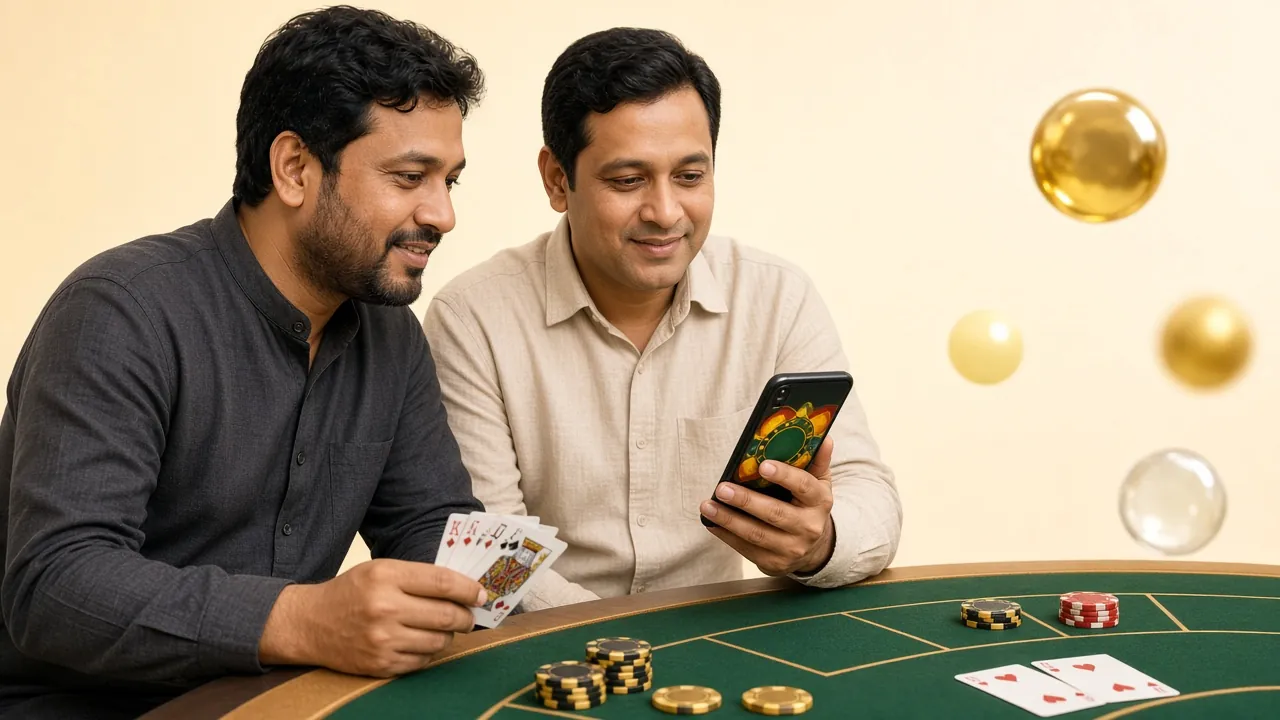
Which mobile wallet to choose and when
All methods support deposits in around 6 minutes and withdrawals in around 14 minutes. The main differences are ease of use, daily transaction limits, and network coverage.
| Method | Best For | Coverage | Key Advantage |
|---|---|---|---|
| bKash | Any amount, especially quick small transactions | Widest coverage across the country | App, USSD (*247#), and agent points available everywhere |
| Nagad | Cost-effective for large amounts and frequent transactions | Growing fast | Postal network makes it accessible even in rural areas |
| Rocket | Direct bank-linked transactions if you have a Dutch-Bangla Bank account | Moderate | Works on feature phones via USSD (*322#) |
| Upay | Linked to UCB Bank — fund directly from your bank account | More popular in urban areas | Premium bank-linked experience |
| Bank Transfer | Large balance withdrawals (above ৳50,000) | All banks | High limits, completed within 1–3 working days |
The mobile number you use for deposit must be the same for withdrawal. If you want to change the method, contact support first.
Two ways to deposit via mobile wallet
There are two ways to deposit to 966OK: direct transfer through the app, or by dialing a USSD code. In both cases, always save your TrxID.
-
Open your wallet app
Launch your bKash or Nagad app and select "Send Money" from the menu.
-
Enter the 966OK designated number
Type in the number shown on the cashier page exactly. For example, if you're sending ৳500, enter 500 in the amount field.
-
Confirm with your PIN
Enter your 5-digit PIN. Take a screenshot of the TrxID you receive via SMS.
-
Submit the TrxID in the 966OK cashier
Paste the TrxID into the cashier form and tap "Submit". Your balance is usually updated within 6 minutes.
-
Dial the USSD code
Dial *247# for bKash or *167# for Nagad.
-
Select the "Send Money" option
Type the number for "Send Money" from the menu and press OK.
-
Enter the number and amount
Enter the number shown on the 966OK cashier page and the amount you want to send (e.g. ৳1,000). Enter your account ID as the reference.
-
Complete with your PIN and note the TrxID
Once successful, you'll receive a TrxID via SMS. Submit it in the 966OK cashier. This method also works on feature phones.
Which payment methods can you withdraw to at 966OK?
All five methods work for both deposits and withdrawals. Deposits clear within 6 minutes; withdrawals typically arrive within 14 minutes once your request is confirmed and KYC is complete.
-
bKash
Deposit: within 6 min
Withdrawal: within 14 min -
Nagad
Deposit: within 6 min
Withdrawal: within 14 min -
Rocket
Deposit: within 6 min
Withdrawal: within 14 min -
Upay
Deposit: within 6 min
Withdrawal: within 14 min -
Bank Transfer
Deposit: within 6 min
Withdrawal: within 14 min
You must withdraw to the same account number or mobile wallet number registered on your 966OK account. Sending funds to a different number will result in the request being rejected. Minimum withdrawal is ৳900; daily maximum is ৳2,00,000.
Most frequently asked questions about 966OK withdrawals
01 What should I do if my withdrawal takes longer than 14 minutes?
02 When can I withdraw after claiming a bonus?
03 How many times can I reapply if my KYC document is rejected?
04 Can I withdraw to someone else's mobile number?
05 Does my withdrawal limit increase immediately when my VIP level goes up?
06 Is it safe to withdraw using the 966OK APK?
Ready to make your first withdrawal?
If you do not have an account yet, register now. Already have one? Log in and start your withdrawal.
18+ · Play Responsibly · Complete KYC Before Withdrawing